
Solutions · Fleet Management
Fleet Management Software That Keeps Every Vehicle Safe and Legal
Company vehicles cost a lot of money. Buying them is only the start. After that come services, repairs, insurance, registration, driver licences and a long list of dates that all need watching. Miss one and you could end up with a vehicle off the road, a fine, or worse, an accident.
Every Vehicle, Document and Driver in One Place
Nexora fleet management software keeps all of it in one place. Every car, van, bus, truck, motorcycle and forklift is listed with its details, its service history, its documents and its driver. Nexora watches the dates for you and sends reminders before anything runs out.
Nexora is built by ApexGenTech, a software house with offices in Canada, the UK, the UAE and Pakistan, for companies that want their fleet run properly without a pile of paperwork.
The problem
The Usual Fleet Headaches
Most companies don’t have a fleet problem. They have a fleet management problem: a tracking problem. For example:
Nexora fleet management software fixes this by giving every vehicle one record that everyone works from.
- Nobody is sure when each vehicle was last serviced.
- An insurance policy runs out and nobody notices until something goes wrong.
- A driver’s licence expired months ago and is still on file as valid.
- Vehicle files are split between paper folders, emails and someone’s laptop.
- Departments argue over who has which car.
- Repair costs pile up with no clear history behind them.
Vehicle register
One Register for Every Vehicle
Nexora keeps a full vehicle register as part of your company’s asset register. Each vehicle gets its own code and its own page, with details like:
You can search the whole fleet in seconds, filter by type or department, and open any vehicle to see everything about it on one screen.
If you already keep your vehicles in Excel, you don’t have to type them all in again. Nexora can import your vehicle list from a spreadsheet, check it for mistakes first, and then add everything in one go.
- Vehicle type, such as car, van, bus, truck, motorcycle or forklift
- Make, model and serial or chassis number
- Department and the person responsible for it
- Purchase date
- Warranty start and end dates
- Service agreement dates
- Expected end of life date
- Notes and history
Maintenance
Vehicle Service Schedules and Maintenance Tracking
Regular servicing keeps vehicles running longer and stops small problems from turning into expensive ones.
In Nexora fleet management software you set a service schedule for each vehicle, and the system reminds the right people when a service is coming up. When work is done, it’s recorded against the vehicle, so you build up a full maintenance history over time.
Your maintenance team can also log repair jobs for any vehicle, whether it’s planned servicing or a breakdown. Staff can report vehicle problems through the Nexora help desk, and each ticket can be linked to the exact vehicle. Later, you can open a vehicle and see every problem that was ever reported for it.
This helps you:
- Keep every vehicle on its service schedule.
- See which vehicles break down the most.
- Make better decisions about repairing or replacing a vehicle.
- Show auditors and insurers a clear service record.
Documents
Vehicle Documents and Expiry Reminders
Every vehicle comes with paperwork that has an expiry date, like registration and insurance. Letting these lapse can mean fines, legal trouble or a vehicle you can’t use.
Nexora tracks the expiry dates of your vehicle documents and sends reminders well before they run out. Reminders go out at set points, such as 90 days, 30 days, 7 days and 1 day before the date, so there’s plenty of time to renew. The person responsible for the vehicle hears first, and fleet admins are kept in the loop.
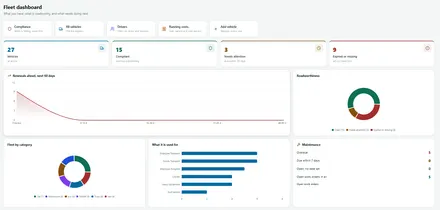
There’s also an Expiries page that shows everything coming up across your fleet: documents, warranties, service agreements and end of life dates. You can look at the next 30 days, the next 3 months or the next year, and see anything that has already passed so it can be fixed straight away.
Drivers
Driver Management and Licence Tracking
A vehicle is only as safe as the person driving it, which is why road safety bodies such as the World Health Organization put so much weight on driver checks. Nexora fleet management keeps your driver records alongside your vehicles.
For each driver, you can store their licence number, licence class, issue date and expiry date. Nexora watches the expiry dates and sends reminders before a licence runs out, so you never have someone driving a company vehicle on an expired licence by accident.
Driver details are only visible to the people who need them, like fleet and HR admins. Regular employees can’t see other people’s licence information.
Pool cars
Pool Cars and Vehicle Booking
Many companies keep a few pool cars for staff who need to travel for work. Without a system, these cars are booked by phone call, and two people often turn up for the same car.
Nexora fleet management lets staff book a pool car for the time they need. Fleet admins can see who has which car and when, so vehicles are shared fairly and nothing gets double booked.
Transport
Fleet Management Software Works With Employee Transport
If your company runs staff buses or vans, Nexora’s fleet management connects directly with Nexora Transport. The same vehicles you track for servicing and documents are the ones assigned to your staff routes, with their seats set up for riders. When a bus goes in for service, your transport team already knows about it.
Who it is for
Who Uses Fleet Management Software
Nexora Fleet Management suits any organization with company vehicles, such as:
- Manufacturing and industrial companies
- Logistics, delivery and transport companies
- Hospitals and healthcare providers
- Construction companies
- Schools and universities with buses
- Government and public sector offices
- Large corporate offices with pool cars
- Warehouses using forklifts and other equipment
From a handful of cars to a large mixed fleet, Nexora grows with you.
Security
Fleet Access and Strong Security
Nexora gives each person the right level of access. Fleet admins see the whole fleet. Department managers see their own department’s vehicles. Staff see what has been assigned to them. Each company’s data is fully separate.
All data travels over encrypted connections and is backed up offsite with encryption. Your fleet records stay safe and private.
Onboarding
Setting Up Fleet Management Software With Us
- 1
Tell us about your fleet
How many vehicles, what types, and how you track them today.
- 2
Bring your vehicle data
Send us your vehicle list in Excel and we’ll help import it.
- 3
Set vehicle reminders
We help you add a service schedule for each vehicle, plus document dates and driver licences.
- 4
Train your fleet team
A short session gets your fleet team comfortable with the system.
- 5
Ongoing fleet support
Our teams across Canada, the UK, the UAE and Pakistan are always there to help.
Connected
How Fleet Management Software connects to the rest of Nexora
Fleet management delivers the most value when it is not a separate island. In Nexora, a vehicle is a record in the same asset register as laptops and machinery, so it gets the same reminders for warranties and service agreements, the same ticket history from the help desk and the same maintenance record as everything else the company owns.
It also connects people to vehicles. Drivers are linked to licences and expiry dates, pool cars are booked by staff against a shared calendar, and the vehicles that run staff routes in the transport module are the very same records, with their seats set up for riders. When a bus goes in for service, the transport team already knows, because it is one system rather than two.
Getting started
Getting started with fleet management software
From a spreadsheet of vehicles to reminders that run themselves.
- 1
List every vehicle
Import the register from Excel, checked before anything is saved.
- 2
Attach vehicle documents and dates
Add registration, insurance, warranty and service agreement dates.
- 3
Add each driver
Record licence numbers, classes and expiry dates.
- 4
Turn on fleet reminders
Receive warnings at 90, 30, 7 and 1 day before dates.
- 5
Share each pool car
Let staff book vehicles while admins see every booking.
Related: Fleet records share the asset register with asset management, feed employee transport routes, link to maintenance jobs and help desk tickets, and use the same platform.
In practice
Fleet management software in practice
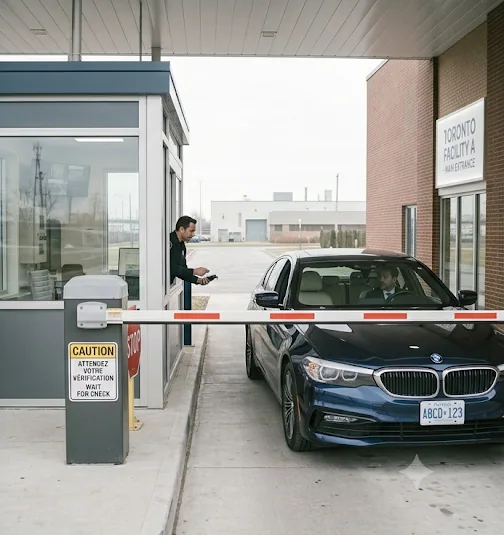
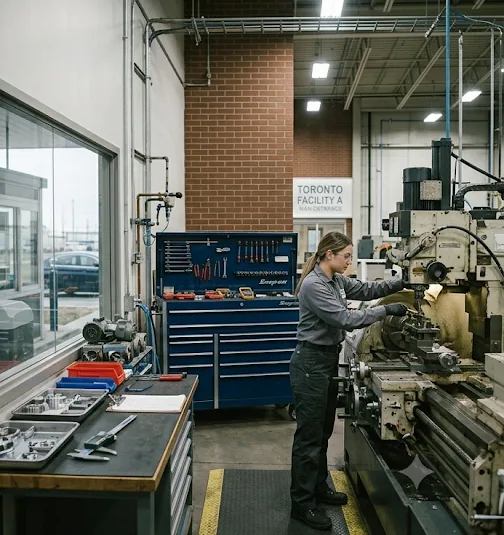
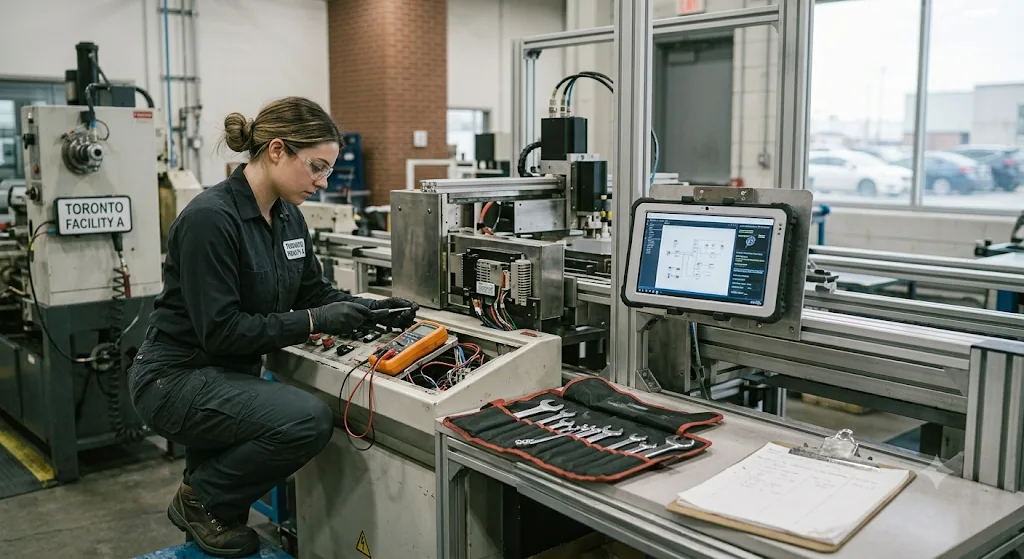
Inspections, servicing and gate checks for every vehicle in one place.
FAQ
Fleet Management Software FAQs
What is fleet management software?
It’s software that helps companies track their vehicles, servicing, documents and drivers in one place, so nothing important is missed.
Does Nexora send service reminders?
Yes. Nexora follows each vehicle’s service schedule, reminds the right people before a service is due and keeps a full service history for each vehicle.
Can Nexora track insurance and registration expiry?
Yes. Nexora tracks vehicle document expiry dates and sends reminders at 90, 30, 7 and 1 day before they run out.
Can it track driver licence expiry?
Yes. Driver licence details and expiry dates are stored, and reminders go out before a licence expires.
Can staff book a pool car?
Yes. Staff can book a pool car for the time they need, and fleet admins can see every booking.
Can I import my vehicle list from Excel?
Yes. Nexora can import your vehicle list from a spreadsheet and checks it for errors before saving.
Does Nexora track vehicles live by GPS?
Not today. Nexora focuses on vehicle records, servicing, documents, drivers and bookings. Live GPS tracking is on our future plans.
Is Nexora fleet management software available in Canada, the UK, the UAE and Pakistan?
Yes. ApexGenTech has offices in Canada, the UK, the UAE and Pakistan and supports fleet management for companies in all of these countries, as well as Saudi Arabia and Qatar.
How much fleet management software does a small fleet need?
Even ten vehicles create enough servicing dates, documents and inspections to slip through a spreadsheet. Start with vehicle records, service schedules and document reminders in Nexora fleet management software, then add pool car booking and fuel records when you need them.
Take Control of Your Fleet
Stop chasing paperwork and start running your fleet with confidence. See how Nexora can keep every vehicle safe, legal and ready to go.